
Hey there! If you're a movie buff, a casual viewer who's built up a pretty solid collection, or even a small DVD reseller just getting your space sorted, I'm guessing you've stared at a wall of loose discs piled on a counter or jumbled in a closet at some point. Let's be real-nothing kills the vibe of digging for your favorite rom-com or action flick faster than squinting at a stack where half the cases are cracked and you can't remember which shelf has the whole Star Wars trilogy. As someone who's worked in shelves for years-specifically, medium-duty setups that hold everything from a single person's 500-disc collection to a small business's inventory-I've seen way too many people mess up DVD arrangement. It's not just "putting them on a shelf"-it's about making your discs easy to find, keeping them in good shape, and not wasting a single inch of space. Today, I'm breaking down how to arrange DVDs on shelves like a pro, no fancy organizational degree required.
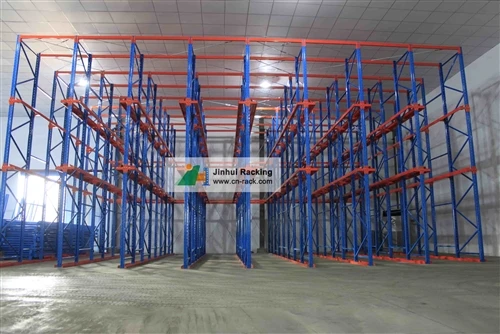
First off, let's talk about choosing the right shelf for your DVDs. You wouldn't put your grandma's fine China on a flimsy plastic shelf that bows under the weight, right? Same energy for DVDs-each standard DVD case is about 0.5 inches thick, and if you cram a bunch into a cheap, thin shelf, you'll end up with warped cases or even cases falling off when you pull one out. For most people, medium-duty shelving is the sweet spot. I've worked with so many folks who start with those basic wire shelves from big-box stores, and by month three, half the shelves are sagging. If you're setting up for personal use, something like medium-duty shelving with steel plate boltless shelves is perfect-it's sturdy, easy to assemble, and the steel plate means no bowing even when you stack a full row of cases. If you're dealing with a larger collection, like over 1,000 discs (say you're a local reseller or run a small video library), industrial longspan shelving is the way to go-those can hold way more weight without taking up extra floor space, so you don't have to clutter your garage or spare room. And if you're setting up a storage space that mixes DVDs with other medium-duty items? Warehouse shelves high quality steel storage longspan shelving works great too, since it's built to handle all kinds of medium-duty cargo. Trust me, picking the right shelf from the get-go saves you from rearranging everything in six months when your cheap shelf gives out.
Now, before you even touch a shelf, sort your collection. This is the make-or-break step that most people skip. I've had customers come to me with stacks of DVDs still in their shipping boxes, and the first thing I tell them is to empty it all out. Don't just dump them on the floor-take an afternoon (or a few evenings, depending on how big your collection is) and categorize them. There's no one "right" way to sort, but pick a system that works for your habits. For personal collections, most people go for either genre (action, comedy, horror, drama) or alphabetical order by title. If you're a TV show fan, sort those by series-you don't want to dig through comedy to find Season 3 of The Office. And if you're a reseller, sort by new/used or genre so customers can browse easily. Pro tip: Set aside any damaged cases (scratched spines, cracked hinges) to fix or replace later-you don't want those taking up space on your nice shelf. Also, if you have any loose discs without cases, label them with a sticky note or a Sharpie (use a fine tip so it doesn't bleed through) before you store them-you'll forget what movie that random disc is in two weeks from now.
Once sorted, it's time to arrange them on the shelf. This is where the small details make a huge difference. First, how do you place them? Stand them up vertically, spine facing out. I know it's tempting to stack them flat to save space, but that's a bad idea-stacking puts too much pressure on the bottom cases, leading to warping, and you can't see the spine text to find what you want at a glance. Vertical is the only way to go for easy access. Now, how much space should you leave between rows? Don't cram them so tight you have to fight to pull one out-leave about 0.25 inches between each case. If you have steel plate boltless shelves, the adjustable slots make this super easy-you can set the shelf height and the spacing between rows exactly how you need it. For a 10-inch shelf, that's about 20 standard DVD cases, give or take, so you can calculate how many shelves you need based on your total collection.
Next, the order within each sorted category. If you went alphabetical, double-check that you're going by the main title, not the actor's name (unless that's how you prefer-no judgment, I have a friend who sorts all his DVDs by Tom Hanks, don't ask). For genre sorting, group related sub-genres together if that makes sense-like "90s action" next to "2000s action" instead of mixing Die Hard with Austin Powers. If you have special editions or box sets, make sure those stand out a little-maybe leave an extra 0.5 inches of space in front of the box set so it's easy to spot, instead of tucking it in between two regular cases. I always tell people to leave at least one empty shelf or a small gap (1-2 inches) on the end of a row. It gives you space to add new DVDs without rearranging the whole row every time you get a new release, and it prevents the cases from shifting if you need to grab something quickly.

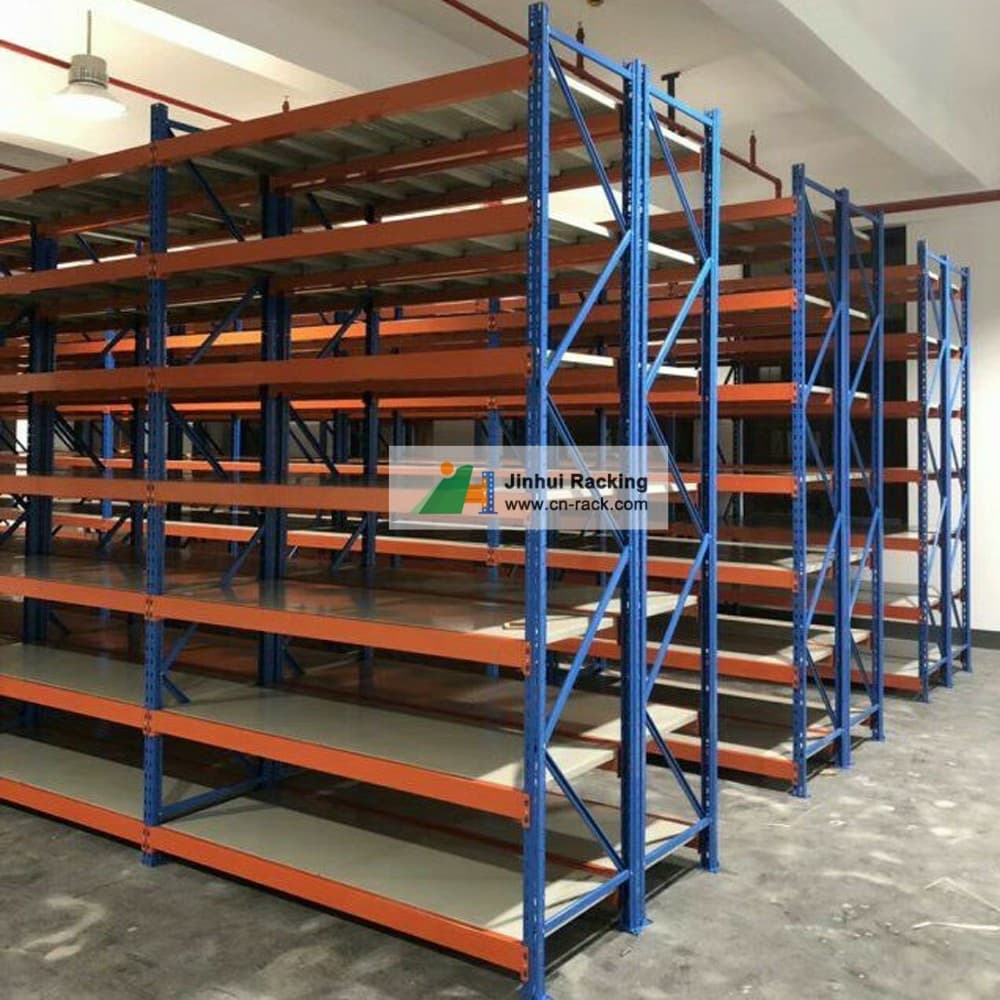
Now, let's talk about keeping your DVDs in good shape long-term. You put in all the work to arrange them, so you don't want to mess them up with bad storage habits. First, keep them in a cool, dry place. If your shelves are in a basement that gets damp or an attic that's over 90 degrees in the summer, that's a problem-moisture can warp the cases and even damage the discs, and extreme heat can melt the plastic spines. Medium-duty steel shelves (like the ones I mentioned earlier) are better at withstanding slight temperature changes than wooden shelves, which can swell or crack in humidity. If you have to store DVDs in a less ideal space, add a small dehumidifier nearby (for basements) or make sure the shelves are away from vents or windows that get direct sunlight. Sunlight fades the spine text super fast, so if you have your shelf in a living room, add a small curtain or place a plant in front of the sunniest part to protect the labels.
Another tip: Don't overpack the shelves. Even if you have an industrial longspan shelving unit that can hold 1,000 DVDs, if you cram every single one in, the cases will rub against each other, scuffing the spines, and pulling one out might take two. If you're a reseller with hundreds of DVDs, I've seen people mix in small storage bins on the lower shelves for loose cases or extra inserts-just make sure the bins fit on the shelf and don't take up space that would be better for standing DVDs. For personal use, if you have a lot of box sets that are bigger than standard cases, adjust the shelf height higher so they fit without squeezing. The boltless design of the medium-duty shelves makes adjusting height a 5-minute job-no tools needed, just lift the shelf and slot it into the next set of holes.
Wait, I can't skip the part about for resellers or small business owners-you're not just organizing for yourself, you're organizing for customers. If you run a video library or a secondhand movie shop, the arrangement has to work for other people too. I had a reseller customer last year who started with the wire shelf setup, and he was losing sales because customers couldn't find specific movies. Once he switched to a warehouse shelves high quality steel storage longspan shelving unit and sorted by genre then alphabetical, his sales went up 20% in three months-people could browse easily, didn't have to ask where things were, and came back because the store felt organized. For businesses, leaving price tags visible is a good idea too-stick a small price sticker on the spine of each DVD near the title so customers don't have to flip the case over to check. Also, if you have new releases, put them on a separate shelf at eye level near the front of the unit-eye level is where people look first, so that's the best spot for items you want to sell quickly.
Let's recap to make sure this all sticks: Step one, pick the right shelf-medium-duty or industrial, steel, no flimsy stuff. Step two, sort your collection by a system that works for you (or your customers, if you're a business). Step three, arrange vertically, with 0.25 inches between cases, leave small gaps for growth. Step four, keep them in a cool, dry spot, away from sunlight. Step five, adjust as needed-add gaps when you get new DVDs, tweak shelf height for big box sets.
If you're not sure what kind of shelf works for your space-whether it's a small personal collection or a larger commercial setup-I'm here to help. All the shelving I mentioned earlier is designed to handle DVDs perfectly, with sturdy steel, adjustable slots, and easy assembly so you don't have to spend hours putting it together. Whether you're setting up a home theater space or a retail storage area, we've got the right solution for you. If you're looking to upgrade your current shelf or set up a new one, reach out to our team to chat about your needs-we can help you pick the perfect setup that fits your space and your collection.
References:
- DVD Storage and Organization Guide, Entertainment Storage Association, 2022.
- Medium-Duty Shelving Best Practices for Media Storage, Industrial Storage Solutions Blog, 2023.
- Climate Control Tips for Media Collections, Home Organization Journal, 2021.